A one-page marketing plan is exactly what it sounds like:
A short planning format that fits the essentials of your marketing plan on one page, so the team can actually use it.
For most small businesses, that is often better than a 20-page document nobody opens after the meeting.
What a one-page marketing plan should include
The best one-page marketing plan usually has these sections:
- business goal
- target audience
- offer
- channels
- campaigns
- budget
- KPIs
That is enough to create clarity without overcomplicating the planning process.
One-page marketing plan template
Use this structure:
Goal
- what result do we want?
- by when?
Audience
- who are we targeting first?
- what problem are they trying to solve?
Offer
- what are we selling?
- why should they care now?
Channels
- where will we reach them?
Campaigns
- what are the top 2 to 3 campaigns this month?
Budget
- how much are we spending?
KPIs
- what numbers prove the plan is working?
One-page marketing plan example
Here is a quick example for a service business:
Goal
Win 8 new monthly retainer clients in 90 days.
Audience
Home-service businesses with weak local lead flow.
Offer
Local lead generation retainer with setup plus monthly optimization.
Channels
- cold email
- LinkedIn content
- referral asks
Campaigns
- founder outbound campaign
- client-case-study content
- partner referral campaign
Budget
- email tool
- content editing
- small paid retargeting budget
KPIs
- replies
- calls booked
- proposals sent
- deals closed
When a one-page plan works best
Use this format when:
- the team is small
- the planning cycle is short
- the channel mix is limited
- execution speed matters more than presentation
Do not use it when the business needs a massive multi-region enterprise planning process. But for most small businesses and founder-led teams, one page is enough to run the next 30 to 90 days.
One-page plan vs full marketing plan
The difference is not quality. The difference is depth.
A full marketing plan adds:
- more research
- more segment detail
- longer campaign calendars
- deeper budget breakdowns
A one-page marketing plan keeps the essentials visible.
That is why it often wins in practice.
How to write a one-page marketing plan faster
The fastest way is:
- choose one business goal
- choose one primary audience
- pick the top 2 to 3 channels
- name the top 2 to 3 campaigns
- list the numbers you will review every week
That sequence keeps the plan grounded in execution instead of brainstorming.
Can AI help write a one-page marketing plan?
Yes, especially when you already know the goal and audience.
AI can help:
- turn notes into structure
- suggest campaign angles
- draft weekly tasks
- produce a cleaner first draft
If you want the AI workflow, read How To Create a Marketing Plan With AI.
If you want a fuller template before shrinking it to one page, use Small Business Marketing Plan Template.
Final takeaway
A one-page marketing plan is useful because it forces prioritization.
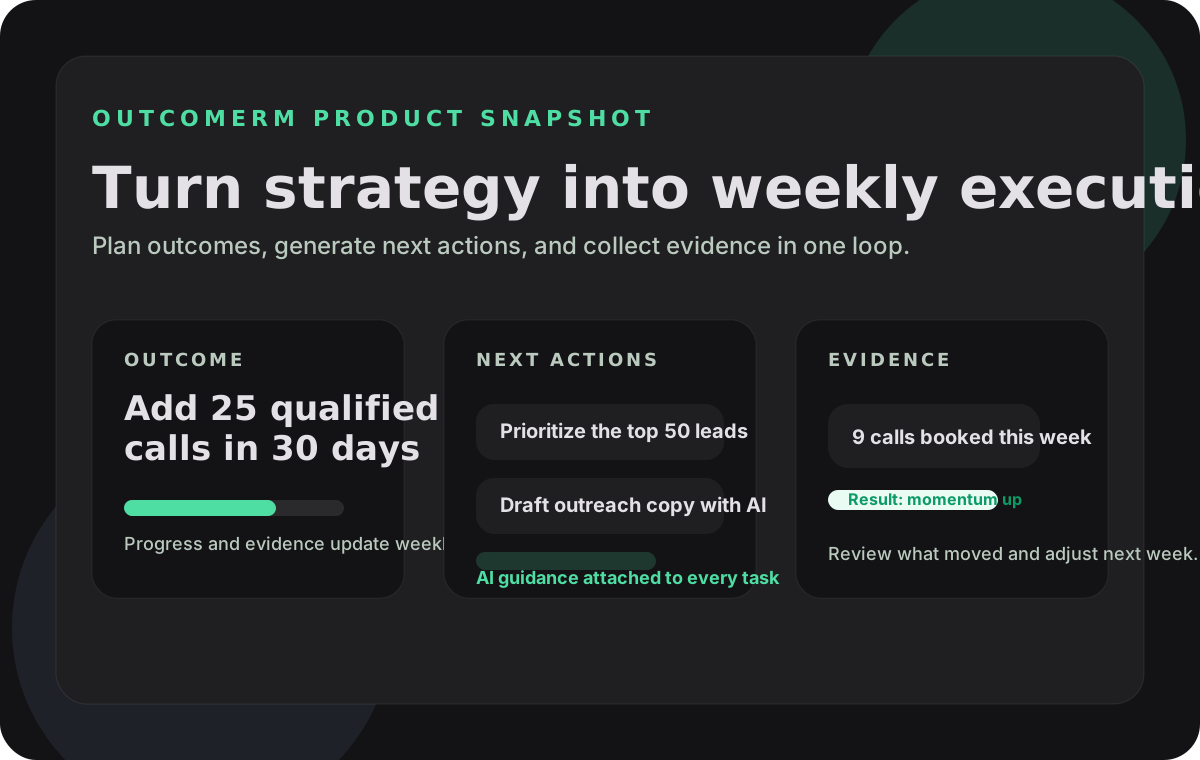
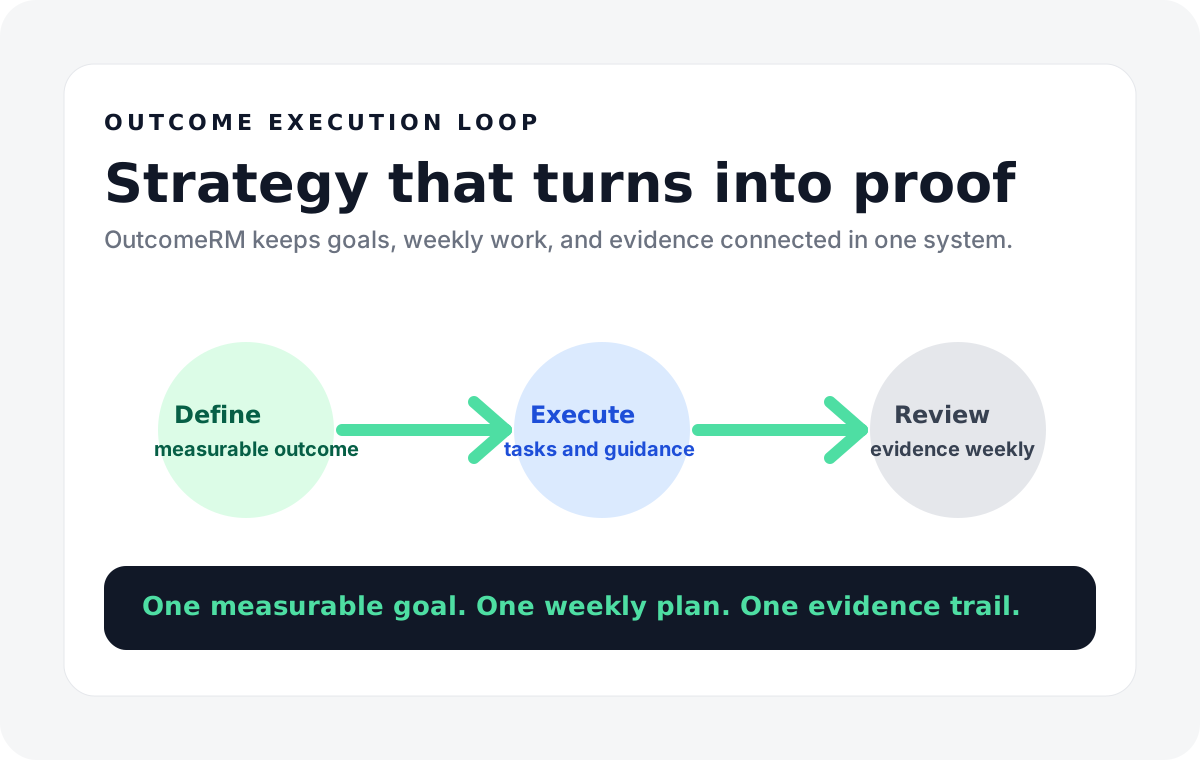
If you want to turn that one-page plan into a live operating system instead of a static document, use the OutcomeRM templates to convert the plan into weekly actions, generated content, and measurable reviews. For the fuller planning structure, also read Small Business Marketing Plan Template.