If you want to create a marketing plan with AI, the most important thing to understand is this:
AI does not magically know your market.
What it can do well is:
- structure the plan
- generate campaign ideas
- suggest channel priorities
- turn one growth goal into weekly actions
That makes AI useful as a marketing plan generator, as long as your inputs are specific enough.
Quick answer
To create a marketing plan with AI, give the model:
- a clear growth goal
- a target audience
- the business type
- the location if it matters
- the offer
- the budget
- the time frame
Then use the output to build:
- a strategy summary
- a channel plan
- campaign ideas
- weekly tasks
- KPI reviews
What AI is good at in marketing planning
AI is strong at:
- drafting a first-pass structure
- organizing channel recommendations
- generating test ideas
- rewriting messy notes into a clean plan
- turning a goal into week-by-week actions
AI is weak at:
- deciding your true business priorities without context
- understanding margin realities unless you tell it
- knowing which channel you can actually operate consistently
Step 1: Start with one marketing goal
Good example:
"Generate 20 more qualified quote requests in the next 60 days."
Weak example:
"Do better marketing."
The better the goal, the better the AI output.
Step 2: Add the business context
Tell AI:
- your industry
- your location
- your website
- your offer
- your budget
- your current bottleneck
For example:
"We are a cleaning business in Denver. Our goal is 12 new recurring clients in 90 days. We have a $300 monthly budget. Our current issue is too few qualified leads from local search."
That gives the model something useful to work from.
Step 3: Ask for the right output
Do not only ask for "a marketing plan."
Ask for:
- channel priorities
- campaign ideas
- weekly actions
- KPI recommendations
- risks and tradeoffs
That creates a more usable result.
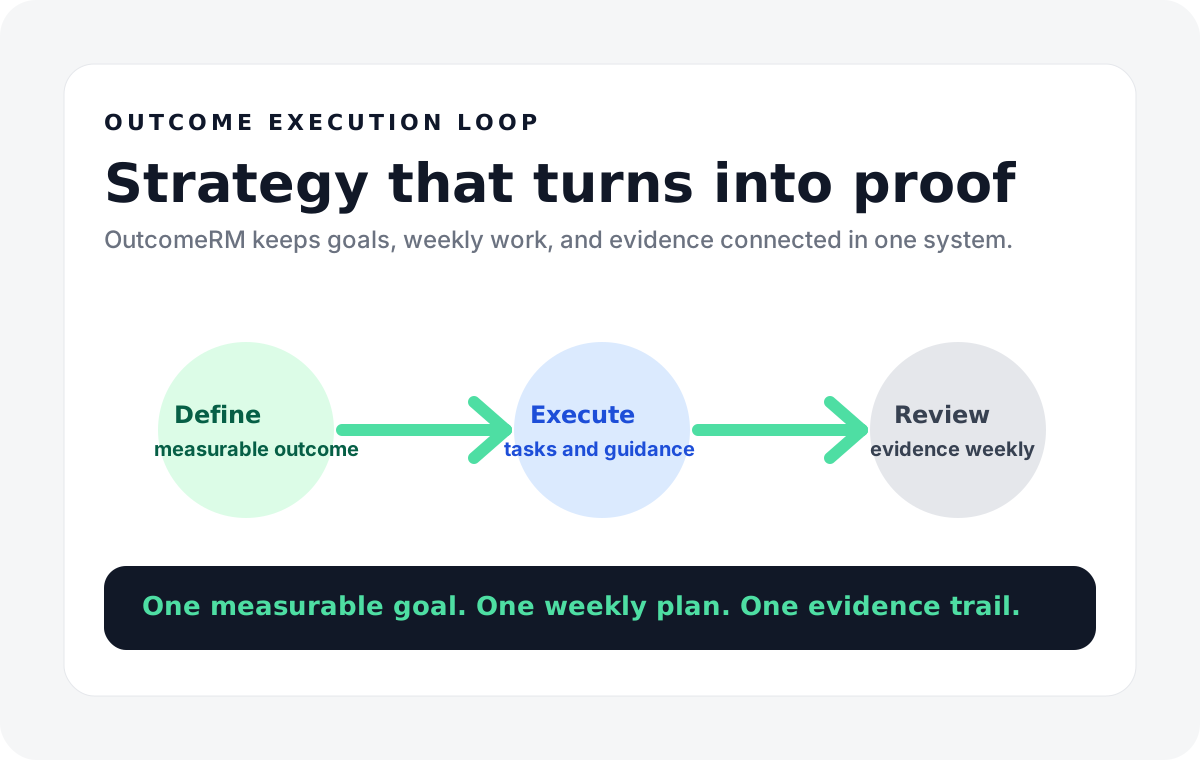
Step 4: Turn the AI output into a weekly plan
This is where many users stop too early.
The plan becomes useful when it turns into:
- what happens this week
- who owns it
- what result is expected
- what KPI gets reviewed
Without that step, AI output is just well-formatted advice.
How to create a digital marketing plan with AI
This is another common search intent.
If your focus is digital marketing specifically, ask AI to organize the plan by digital channels such as:
- SEO
- paid search
- social content
- landing pages
- retargeting
Then have it produce:
- channel goals
- campaign ideas
- content themes
- conversion steps
That creates a real digital marketing plan instead of a generic business plan.
Example AI prompt for a marketing plan
Try a prompt like this:
"Create a 90-day marketing plan for a local bakery in Austin. The goal is to increase preorder volume by 25%. The main audience is nearby families and office managers. The main channels are local SEO, email, and Google Business Profile. The monthly budget is $250. Give me channel priorities, campaign ideas, weekly actions, and the KPIs to track."
That is much stronger than asking for a generic plan.
When AI marketing planning software is worth using
AI marketing planning software is useful when:
- you want a faster first draft
- you need a weekly planning structure
- you want market context tied to a goal
- you want execution support after the plan is written
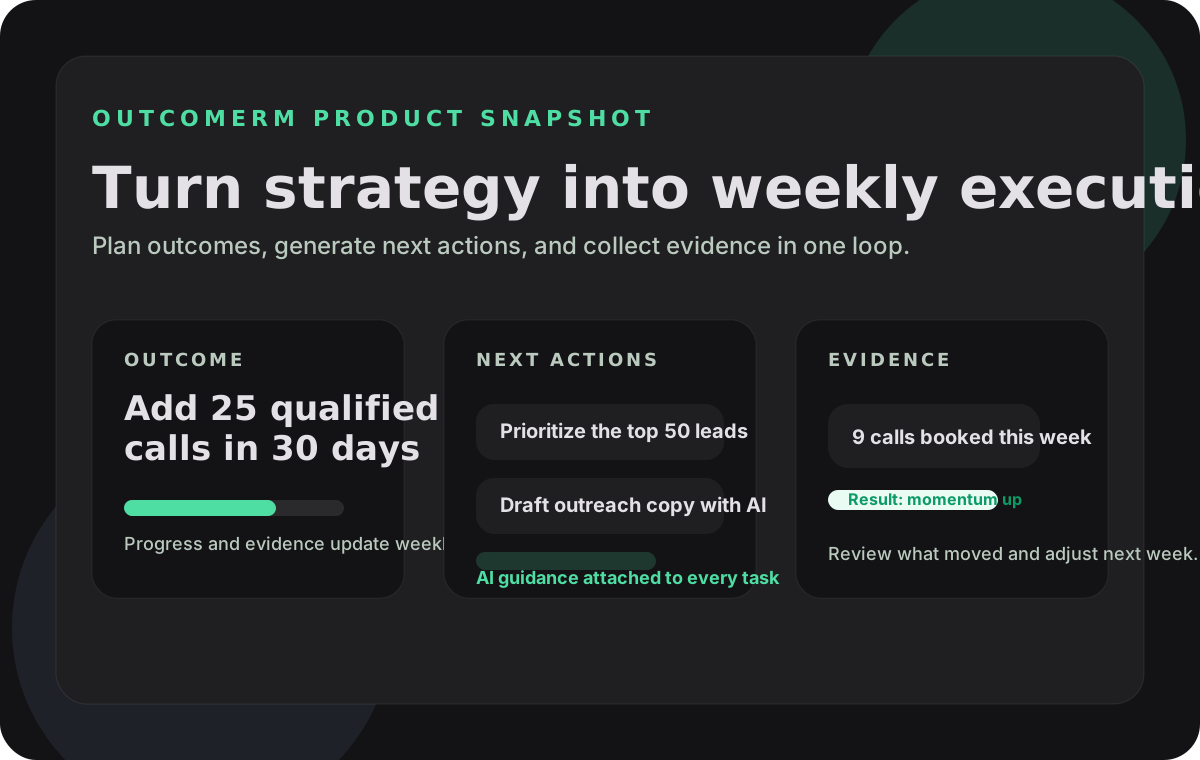
That is where OutcomeRM fits best. It is not only an AI tool to create a marketing plan. It is also the place where the plan gets turned into weekly execution and measurable reviews.
Final takeaway
AI can help you create a marketing plan faster, but it works best when:
- the goal is clear
- the business context is real
- the output gets turned into weekly action
If you want to test this live, start on the register page or use the templates to generate a marketing plan, weekly workflow, and review loop inside OutcomeRM. If you want the commercial-intent pages around this topic, also read AI Marketing Plan Generator for Small Business and Best Marketing Plan Software for Small Business.